
Walkthroughs
Set up your org
A step-by-step walkthrough of setting up an org: accept the owner invitation, sign in with an email link and invite an admin.
Last updated November 15, 2026View as Markdown
EasyCode creates your org and invites its first owner by email. In this walkthrough, Olivia accepts that invitation for Northwind, signs in, and invites Adam as an admin, who then connects GitHub. It takes a few minutes in the web app.
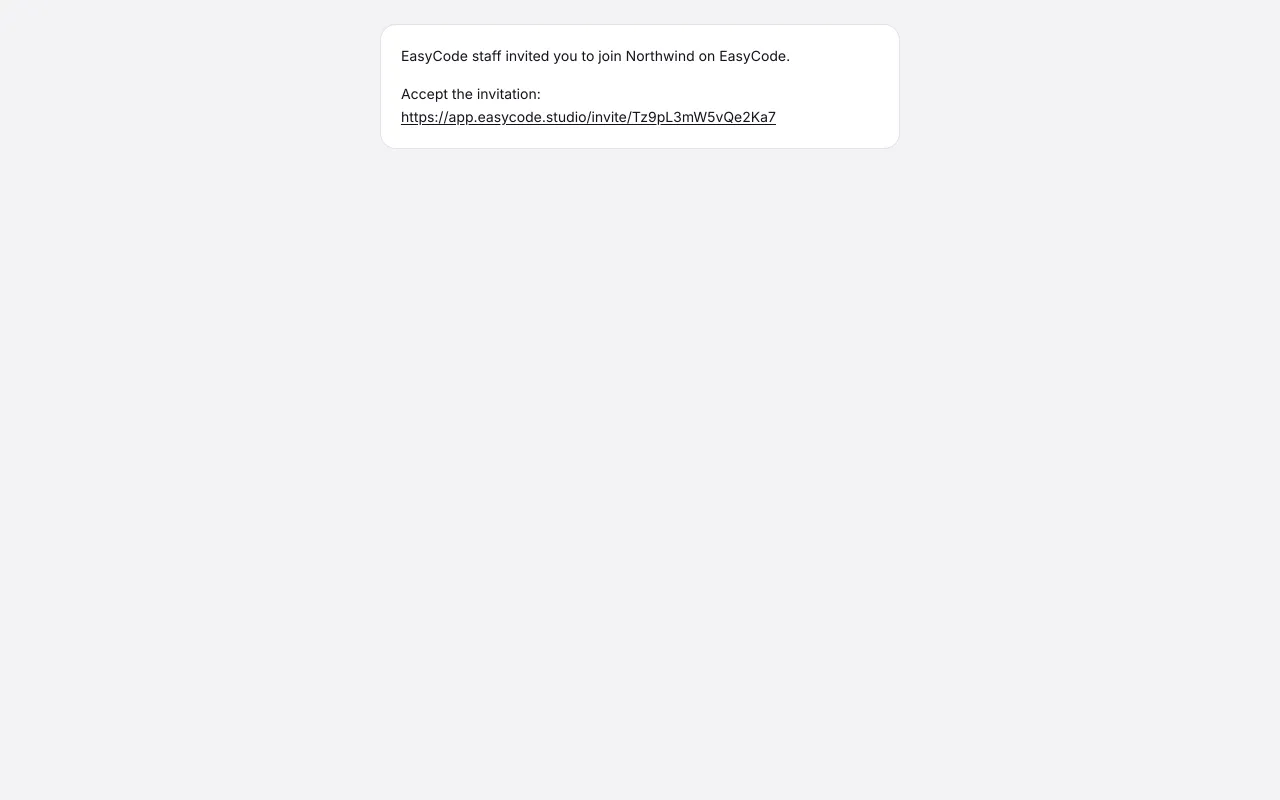
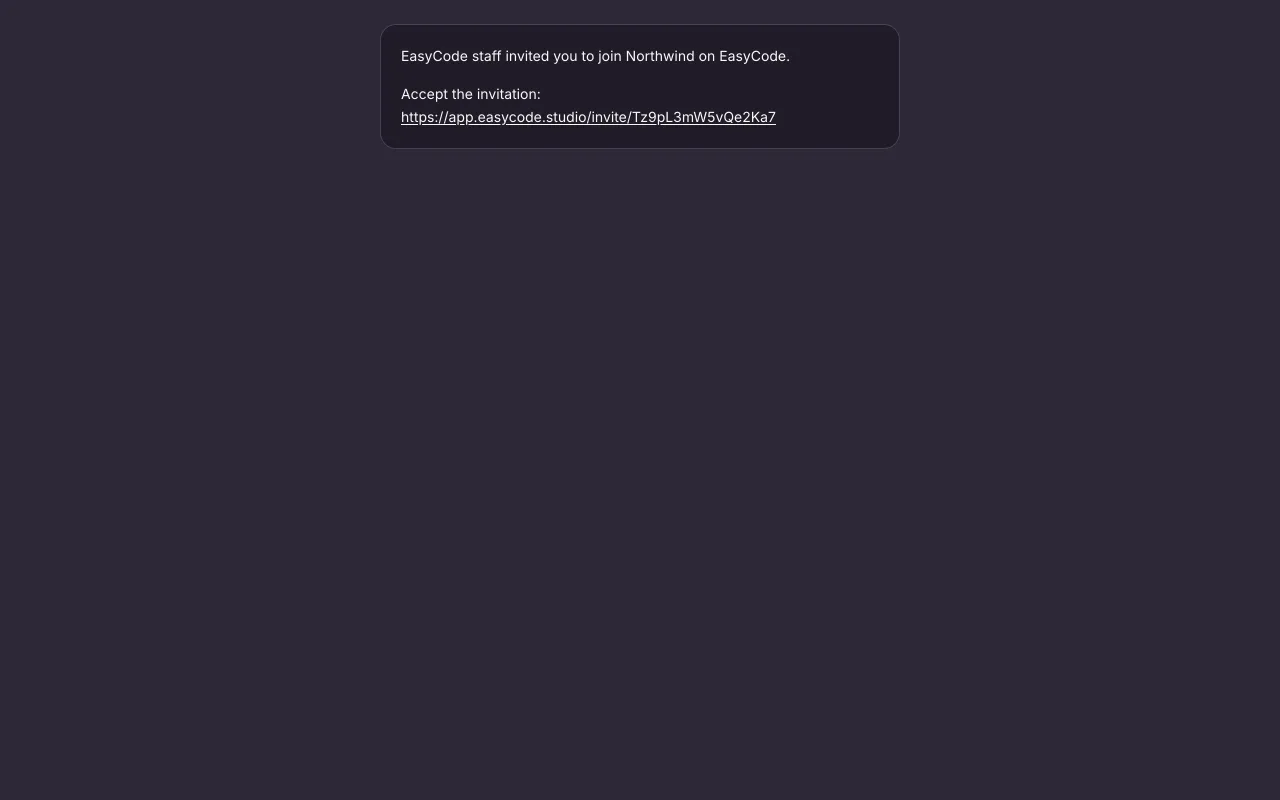
Olivia opens her staff invitation. 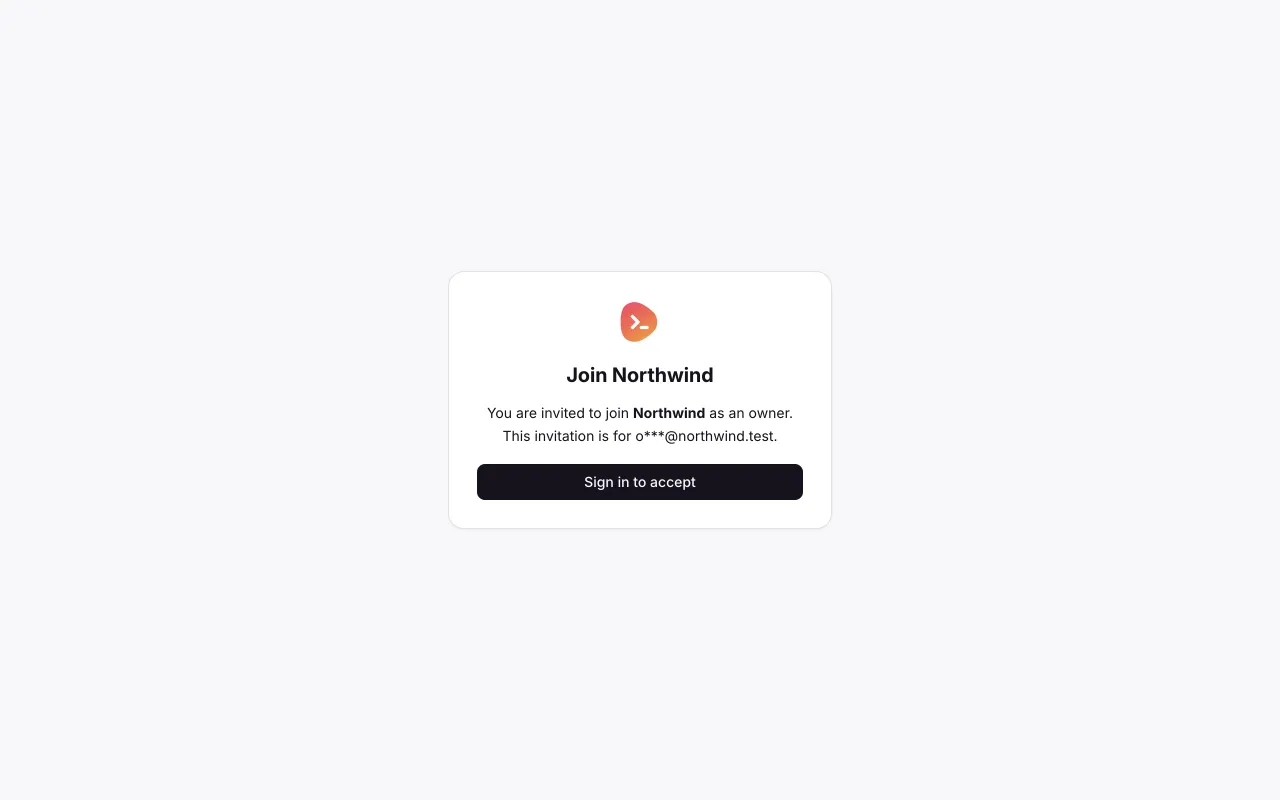
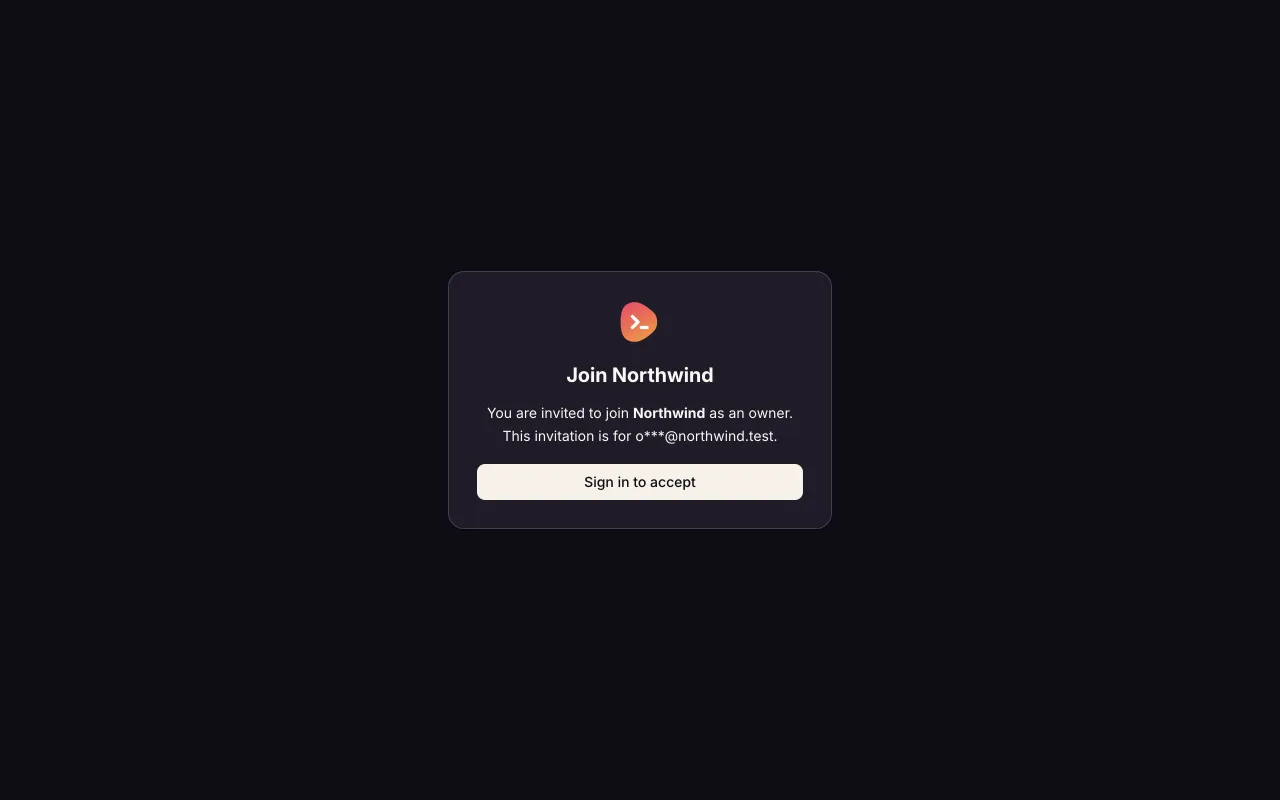
Sign in before accepting the invitation. 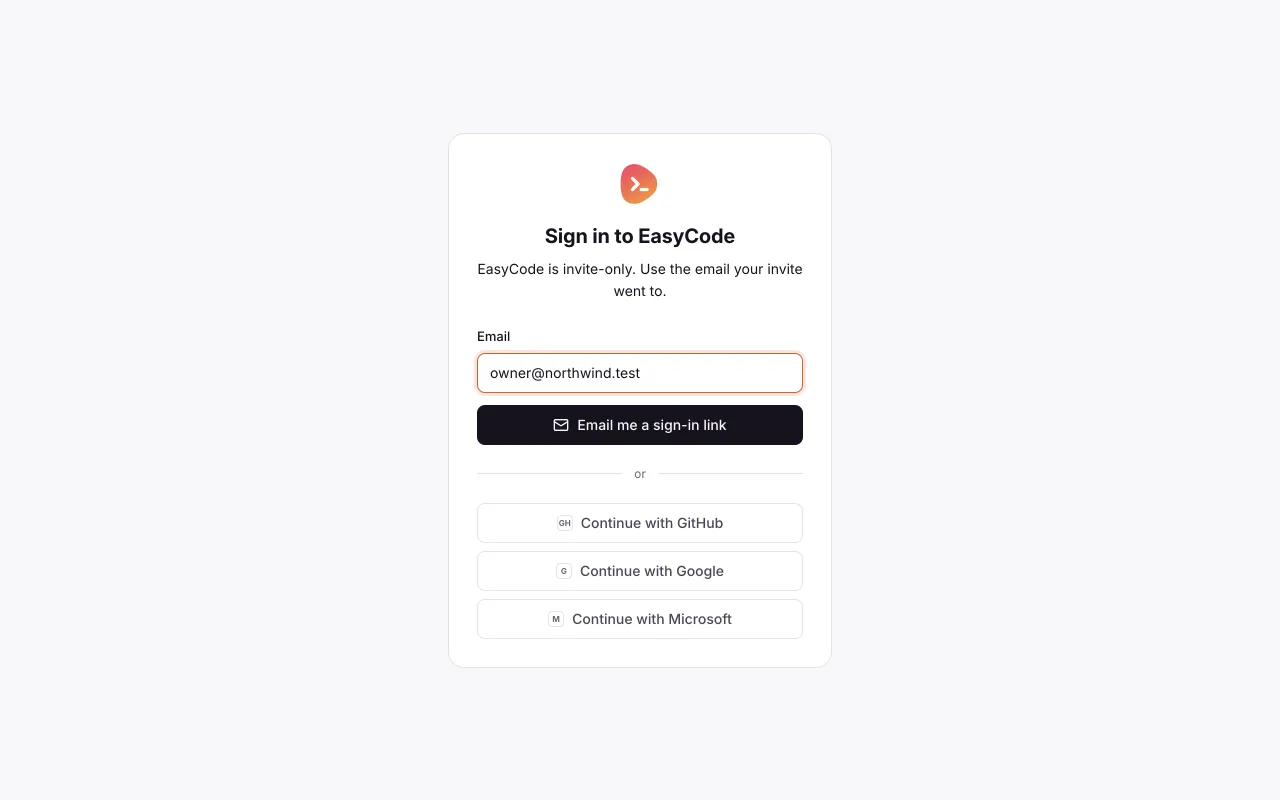
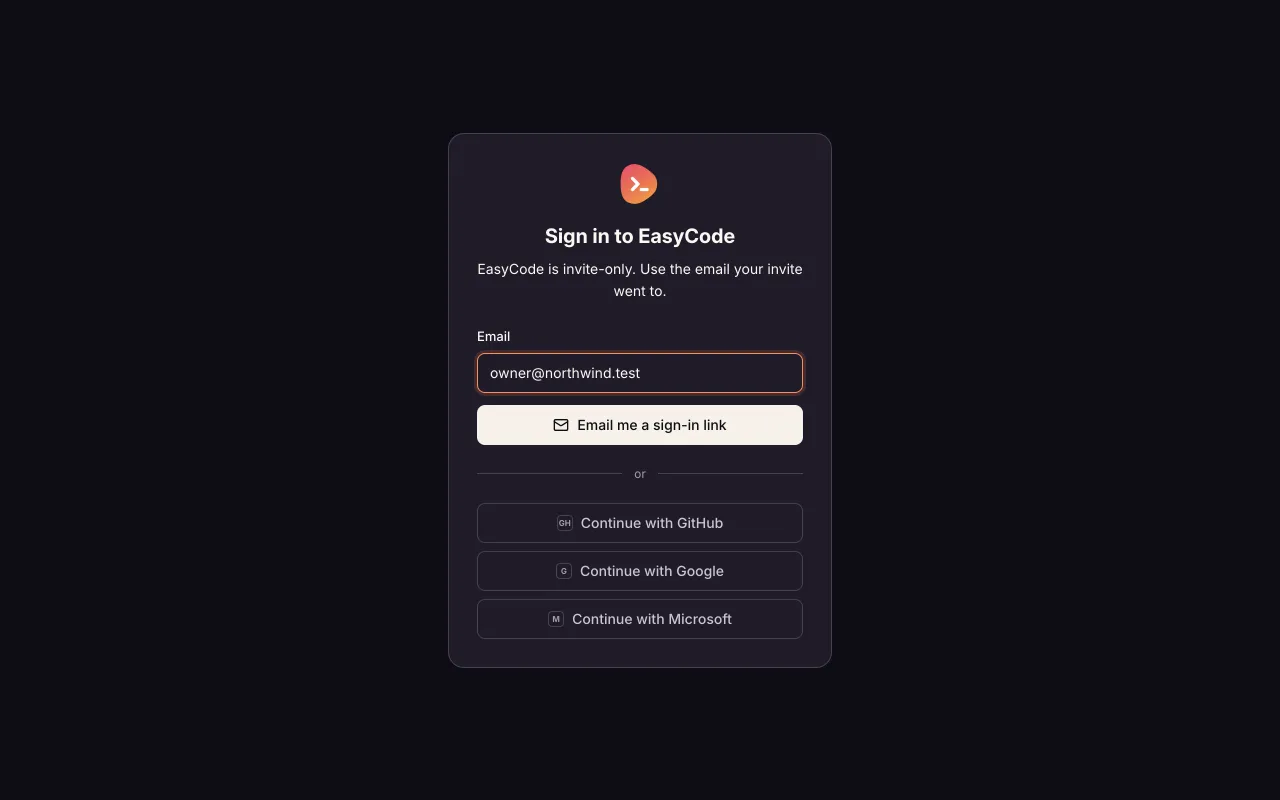
Enter [email protected] and send Olivia a sign-in link. 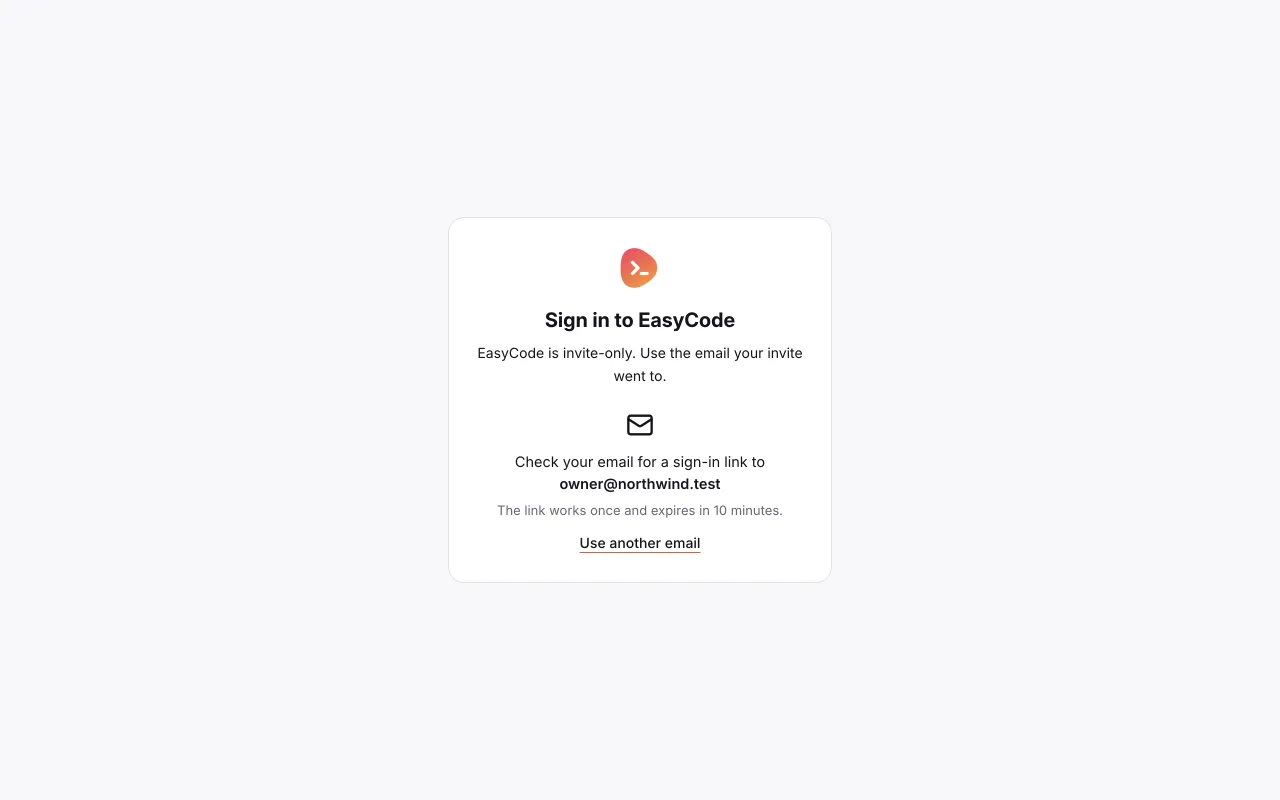
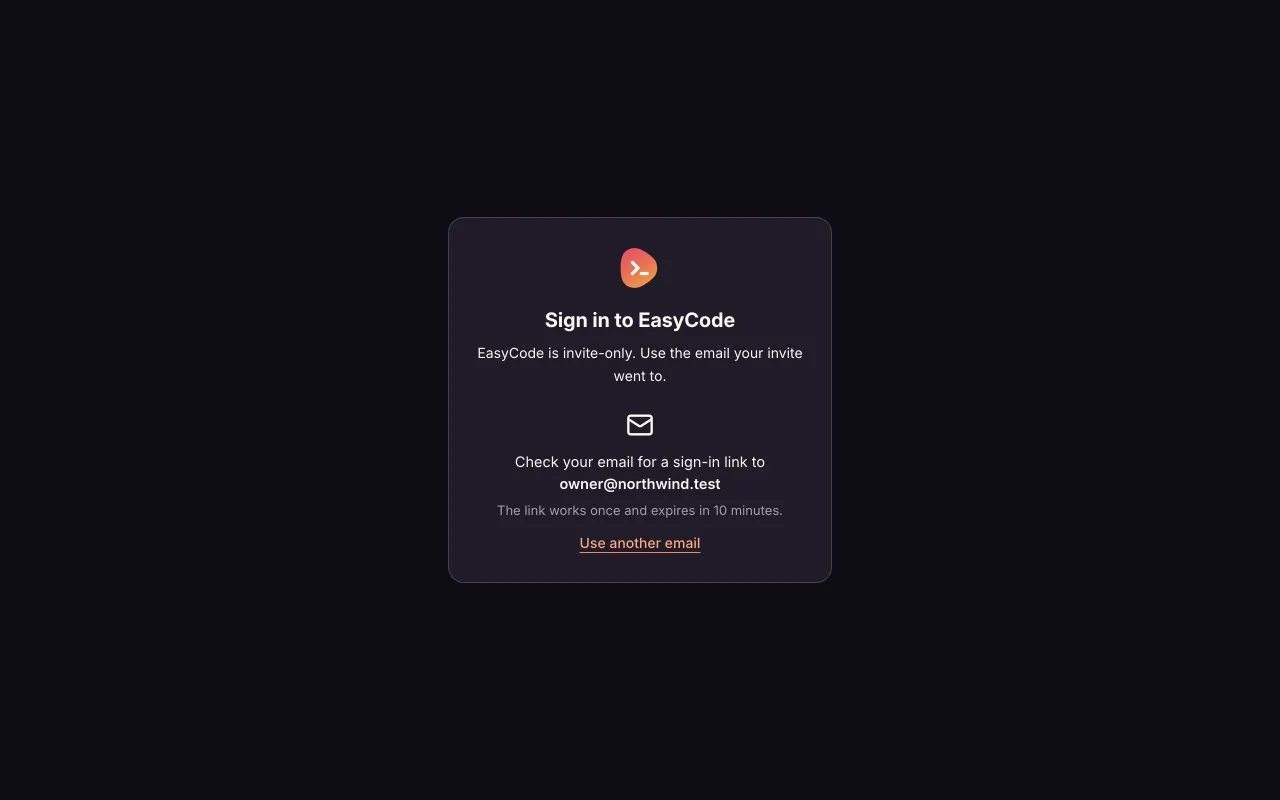
Olivia switches to her email after the sign-in link arrives. 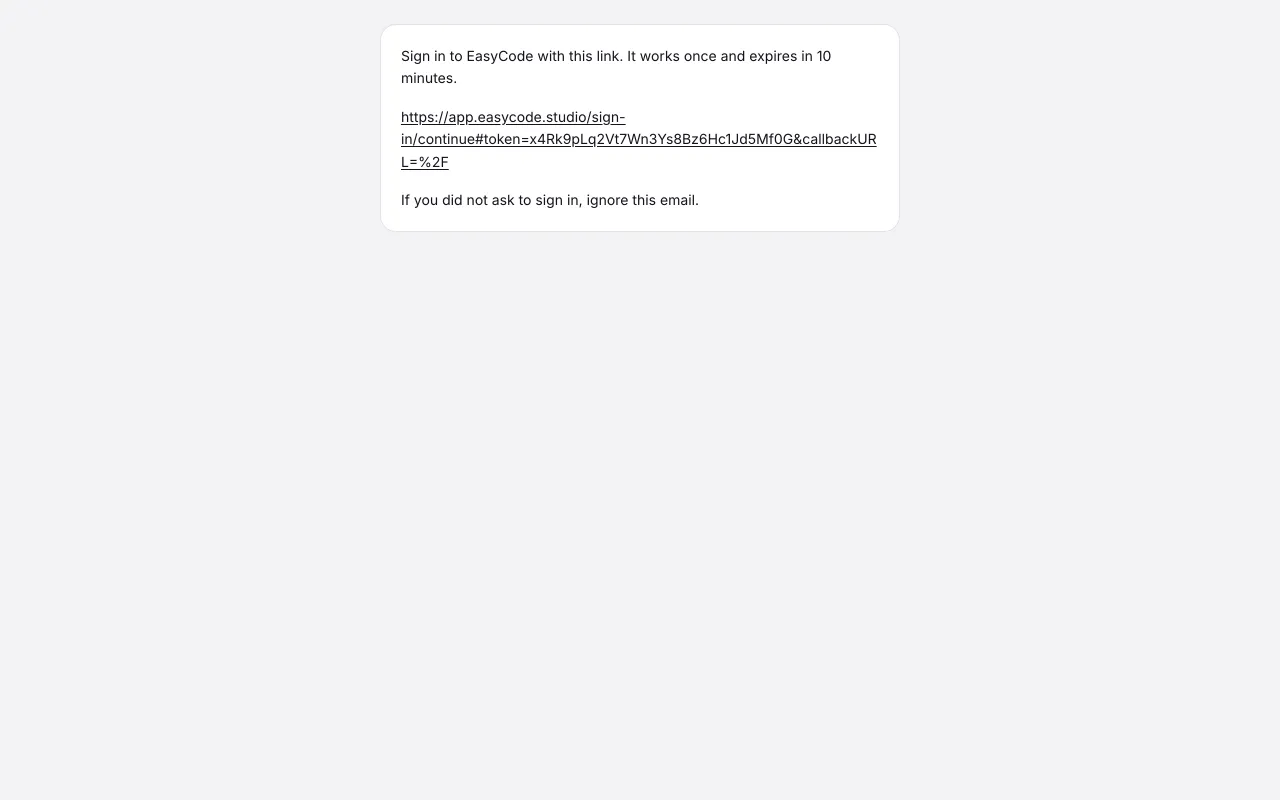
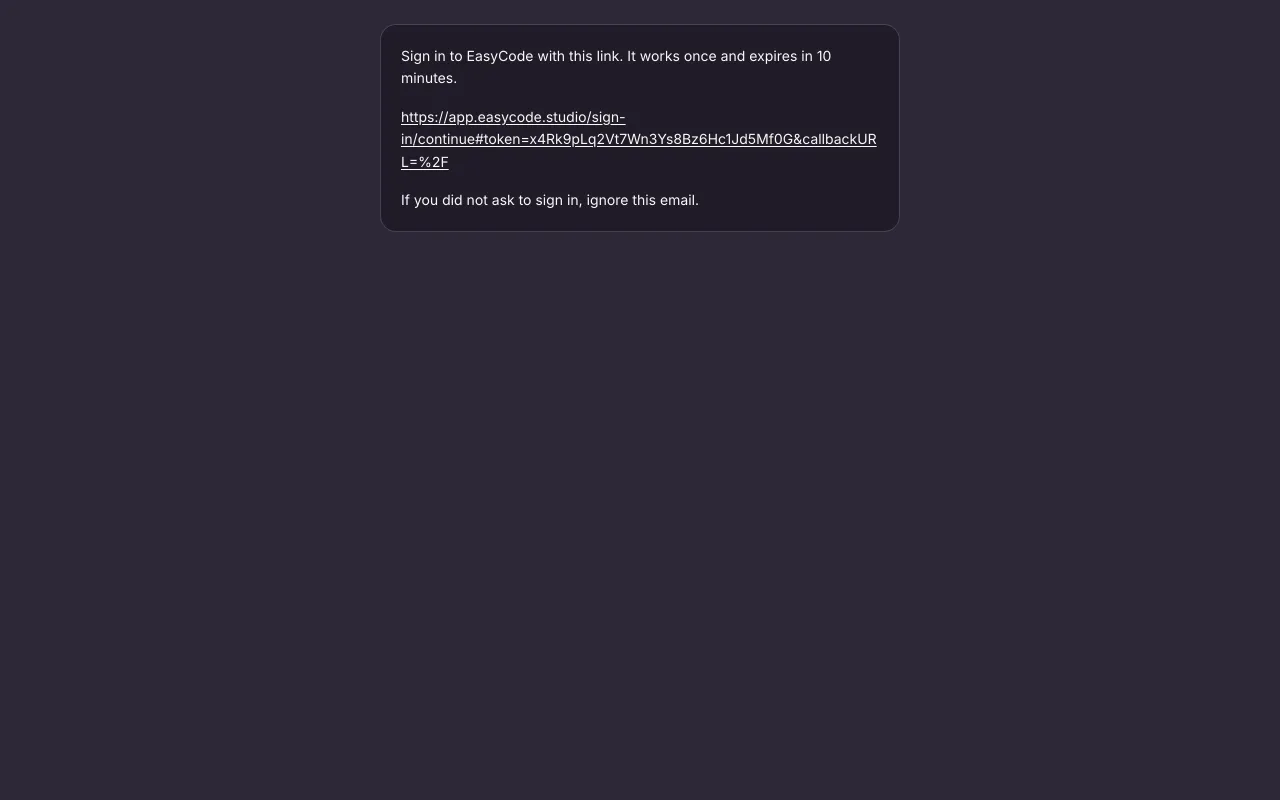
The email's link opens a page that waits for a press, not the app itself. 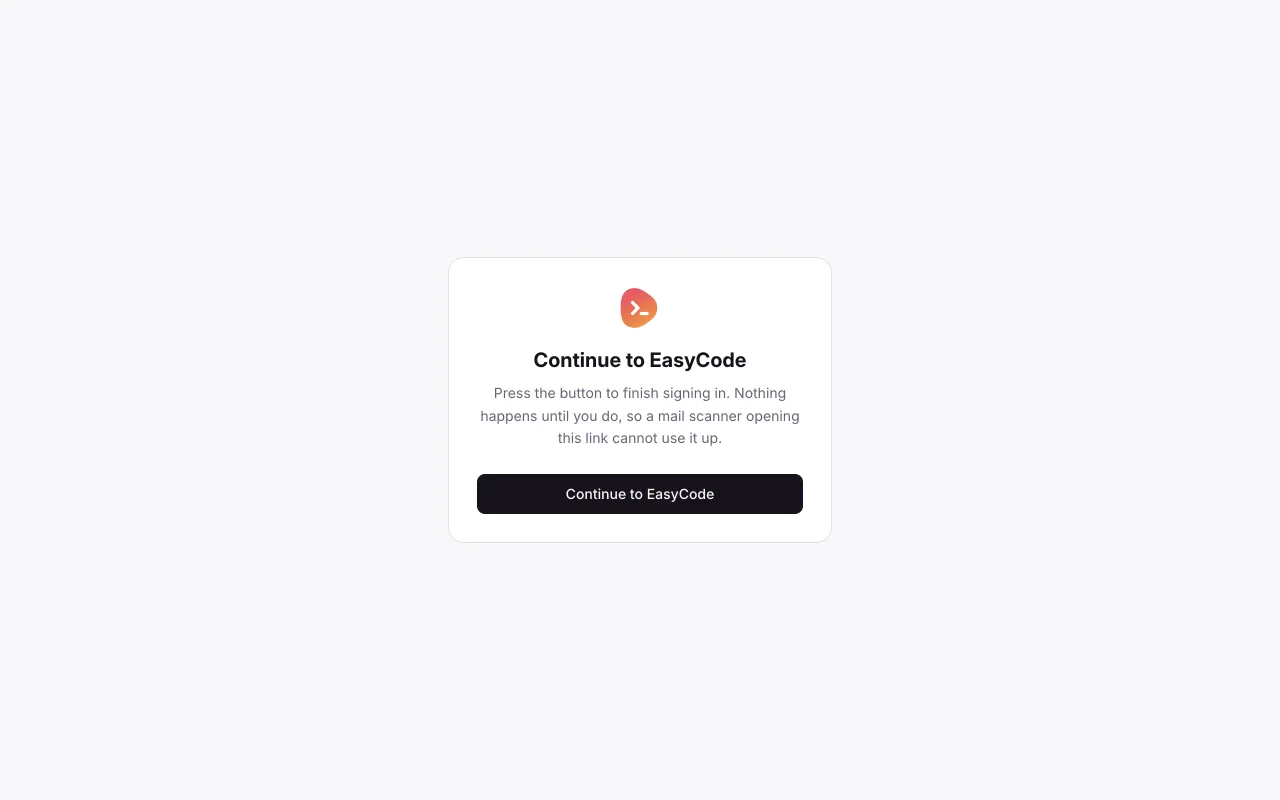
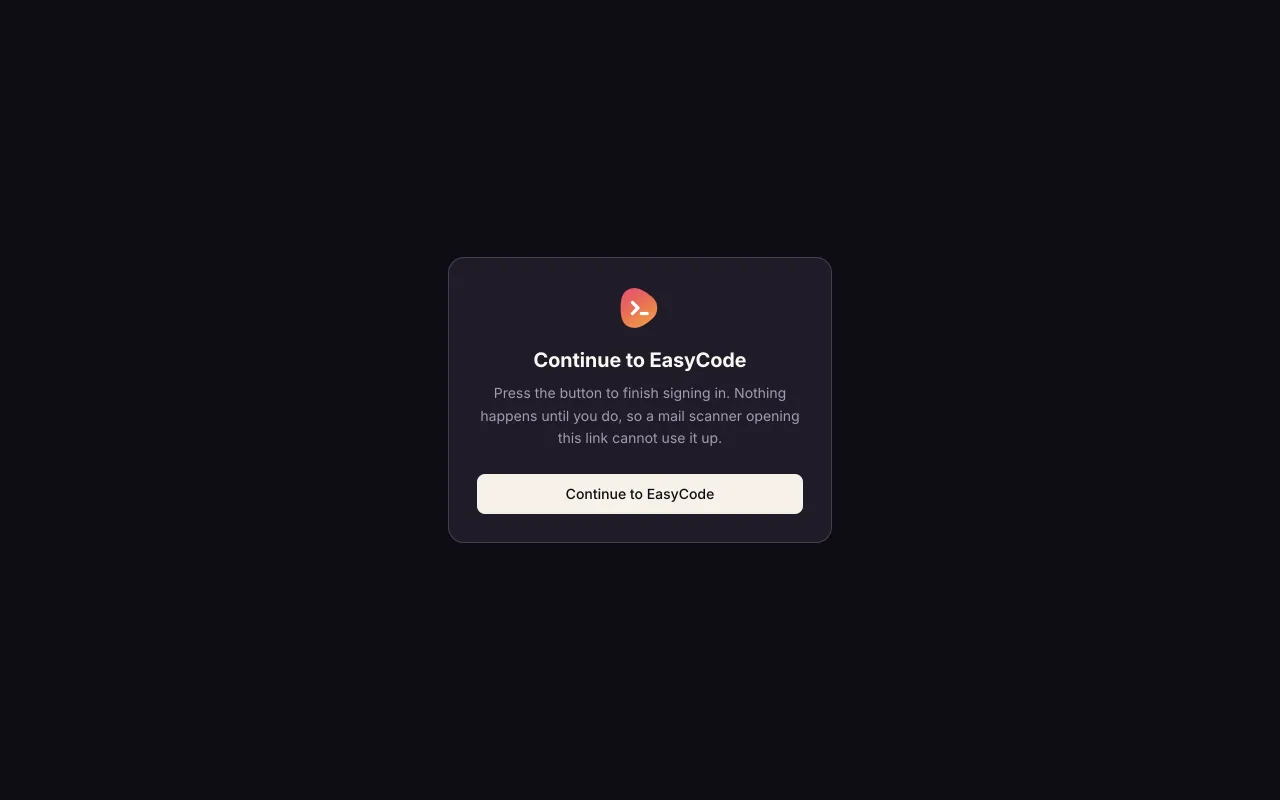
Press the button to finish signing in. Nothing happens until she does, so a mail scanner opening the link cannot use it up. Then she returns to the pending invitation. 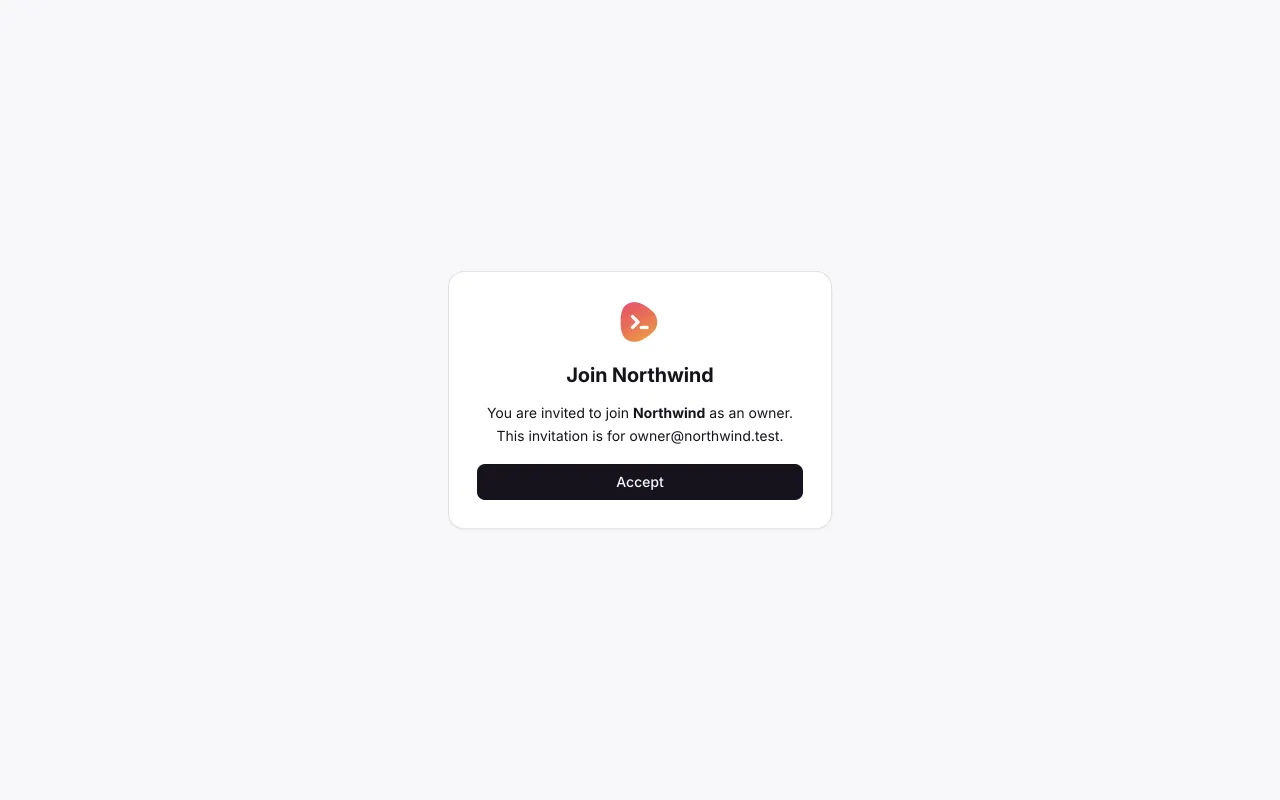
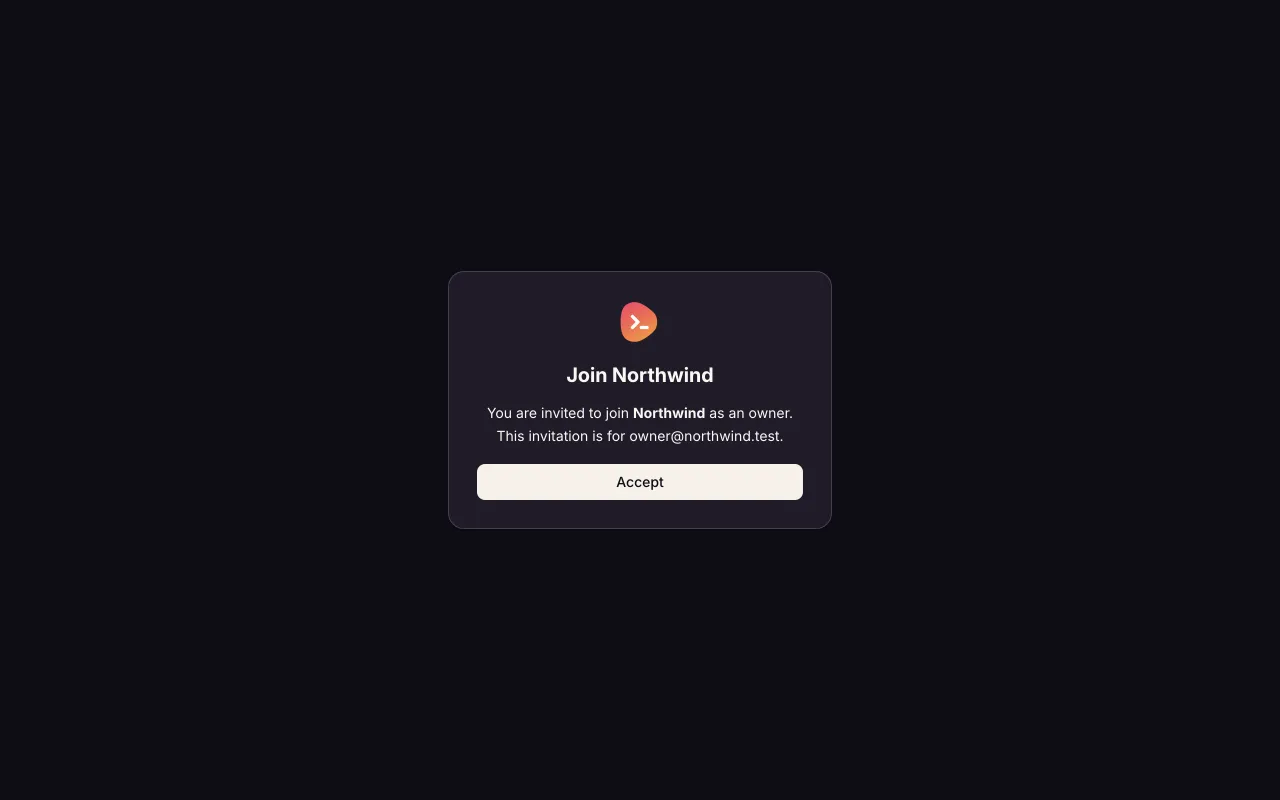
Olivia explicitly accepts Northwind membership. 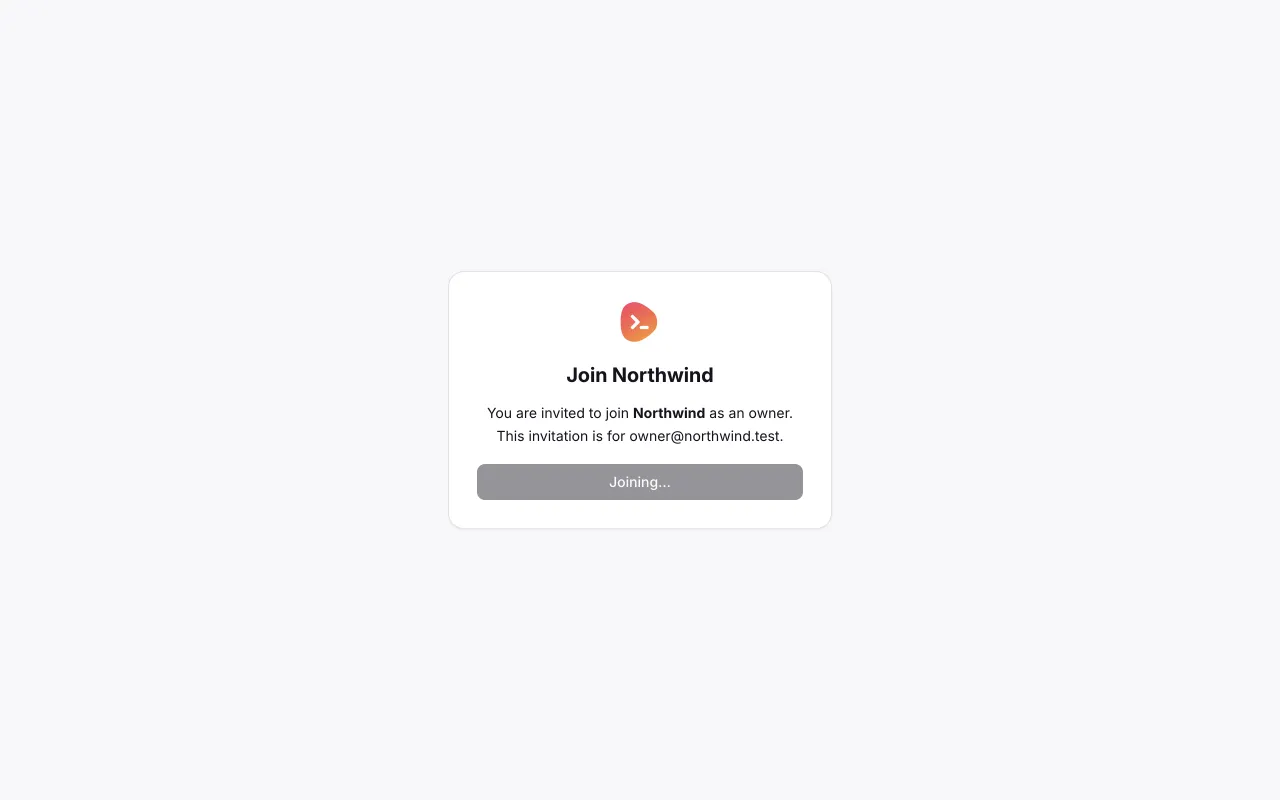
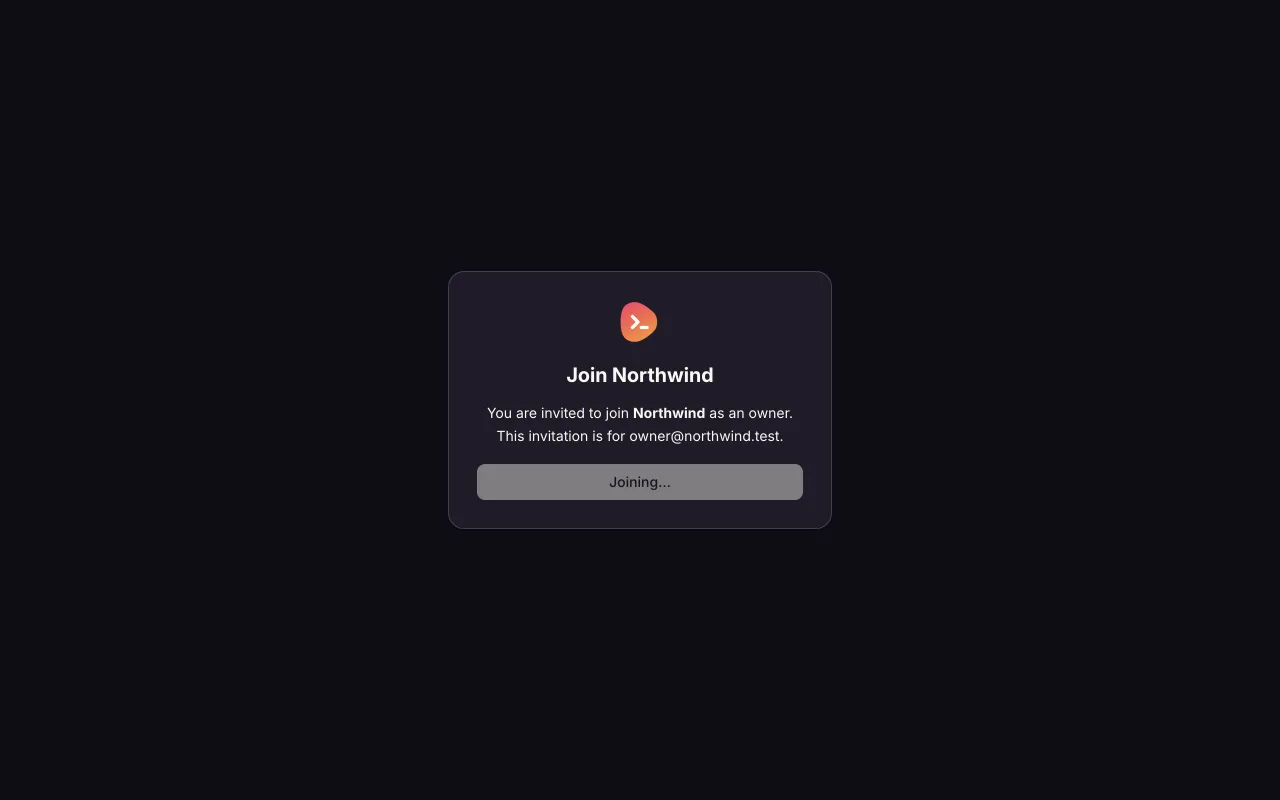
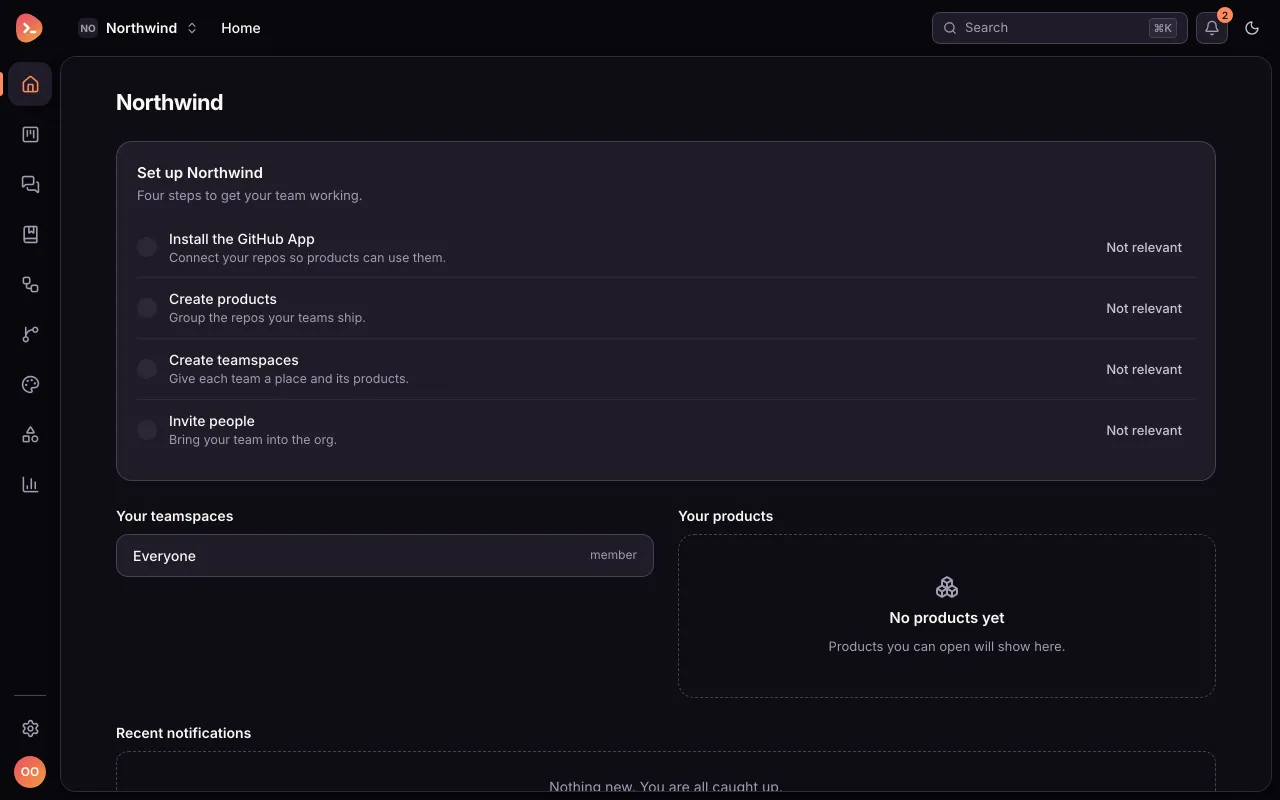
The server accepts the invitation; Olivia now enters Northwind as owner. 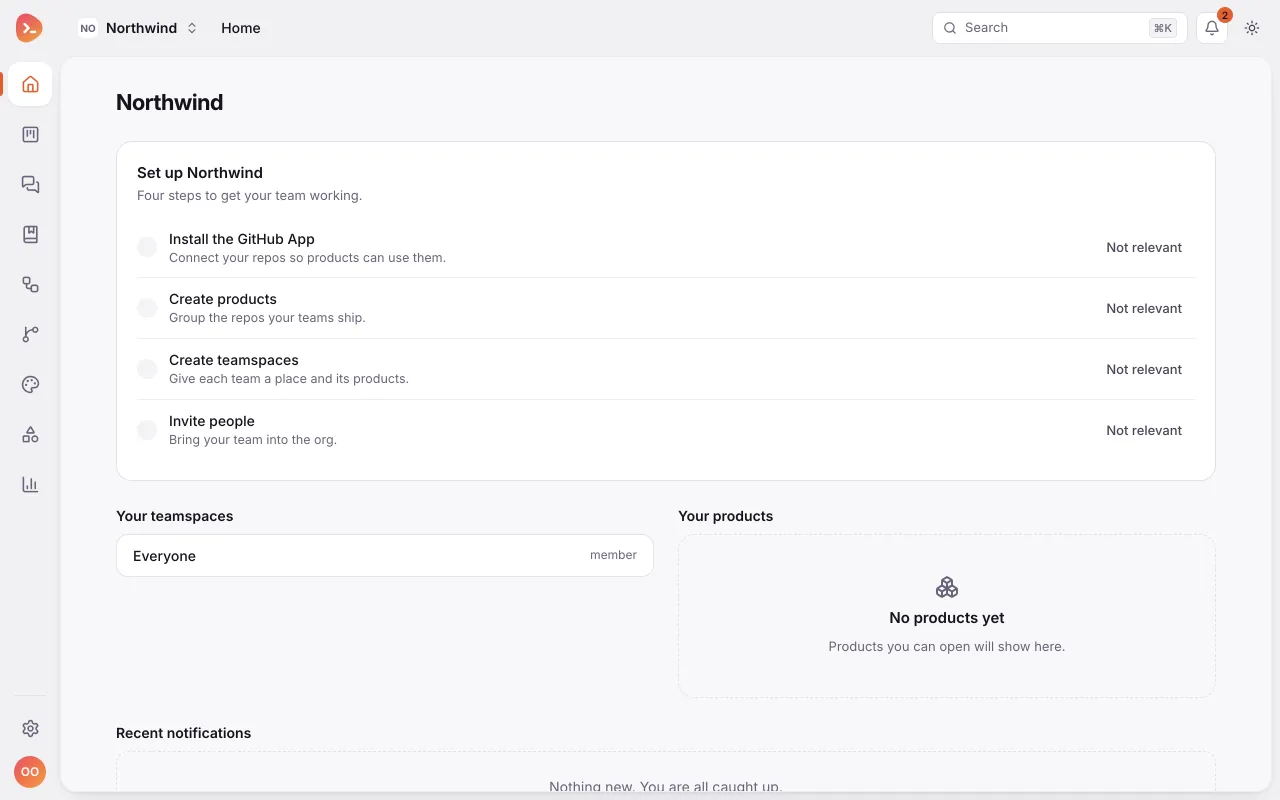
Open the existing Invite people action for Adam. 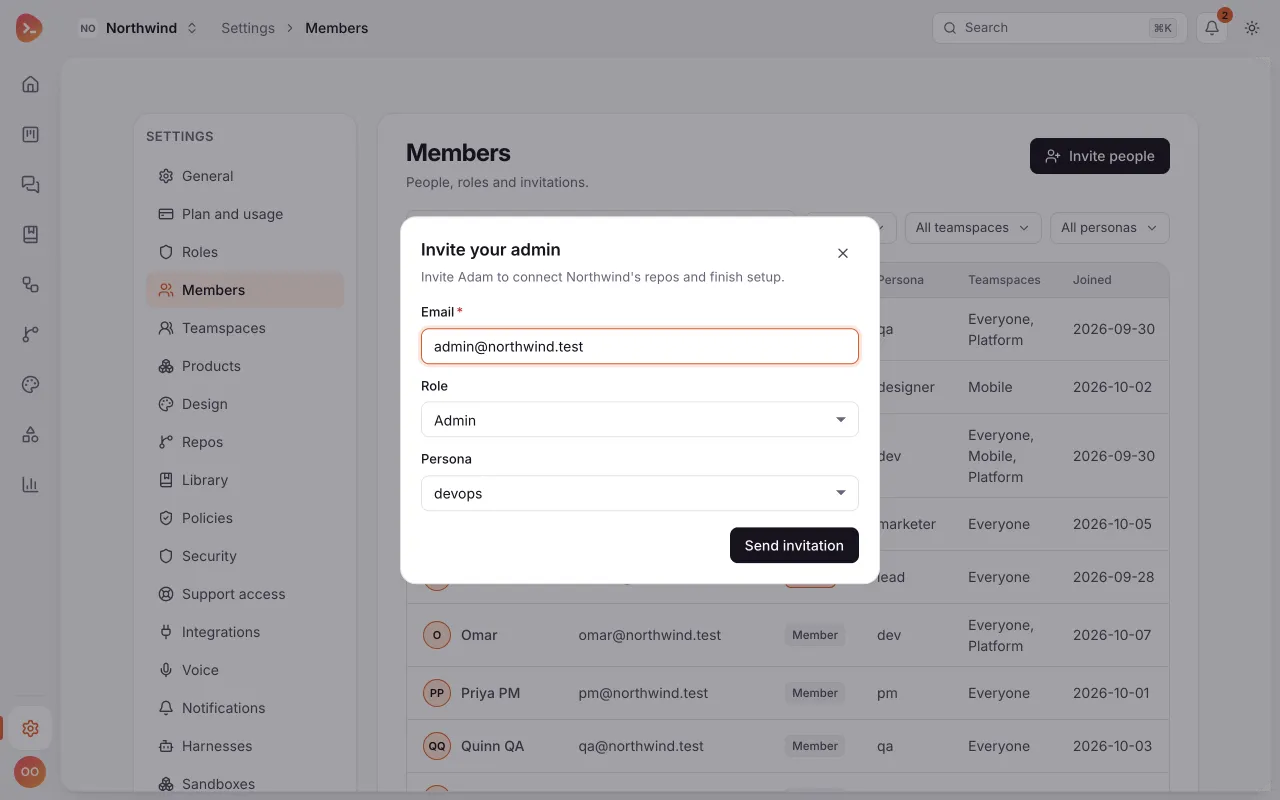
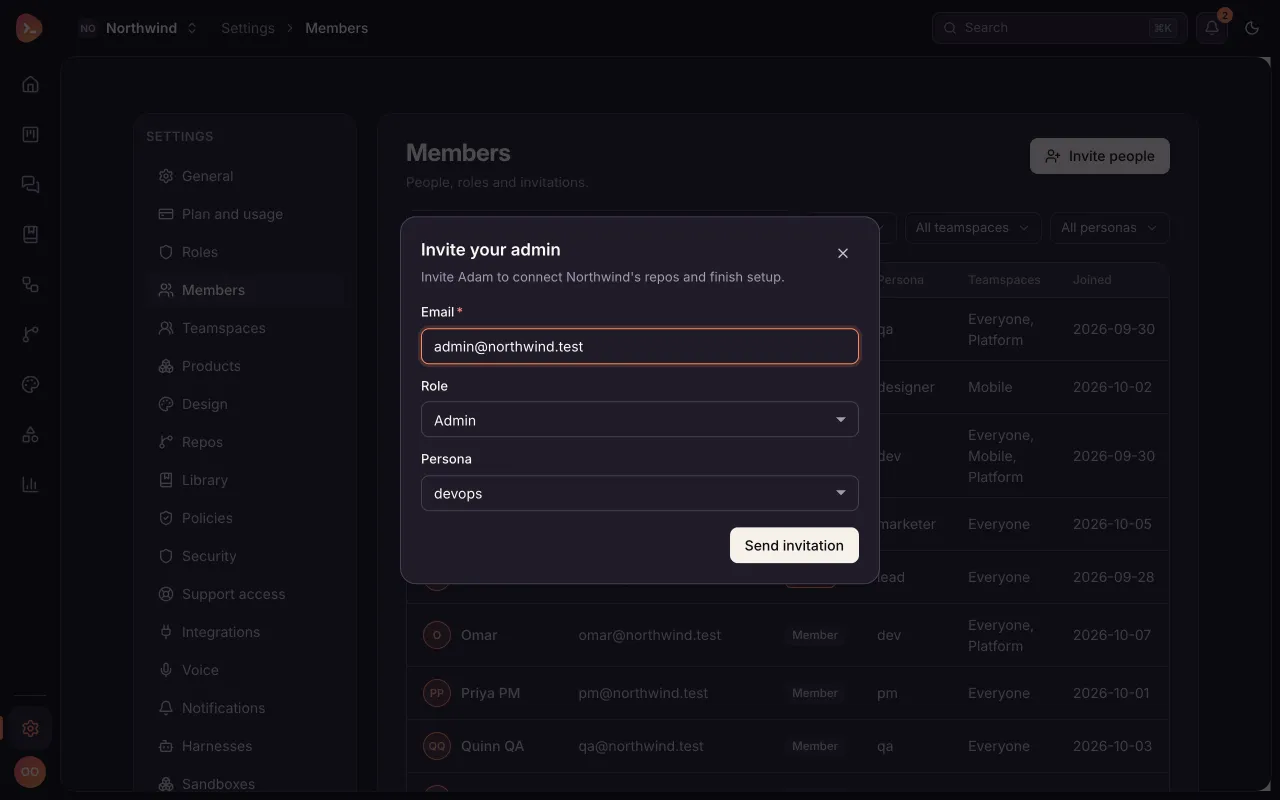
Invite Adam as admin; he is not already a member in this pre-invite fixture. 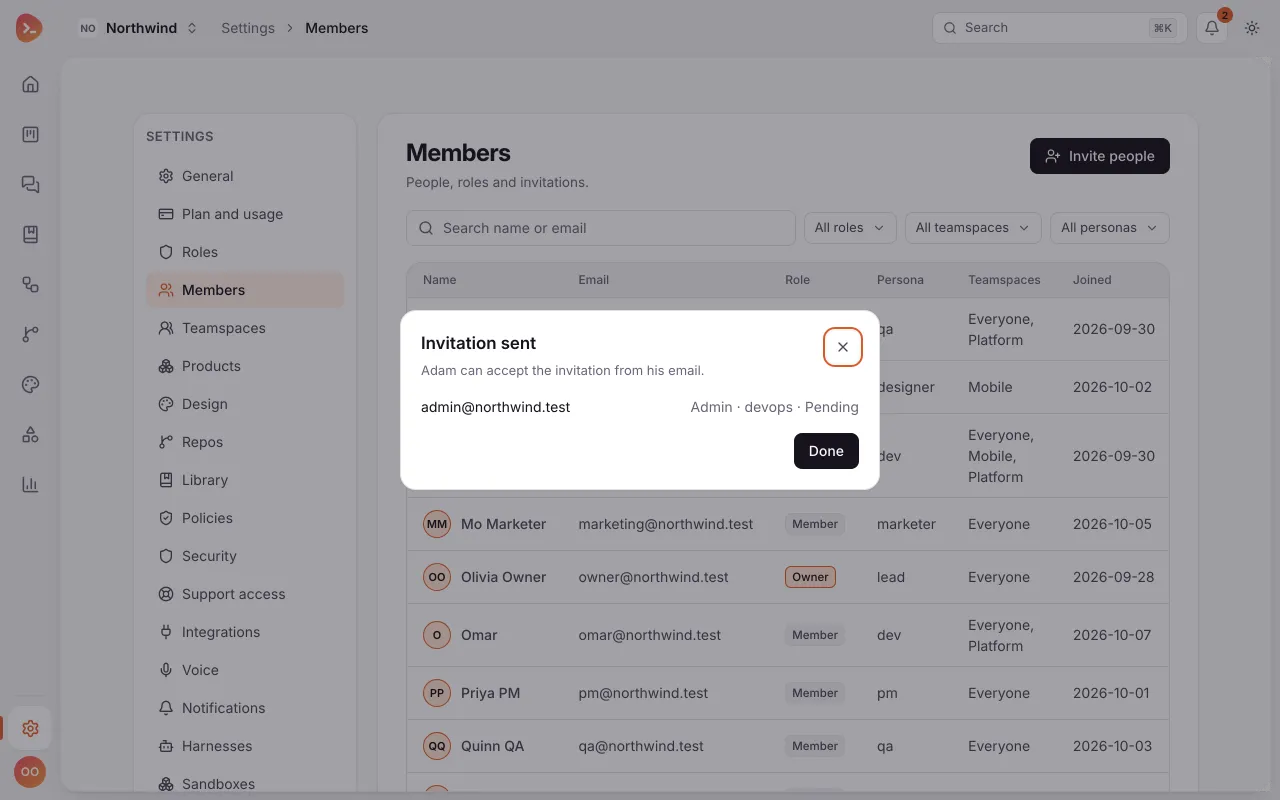
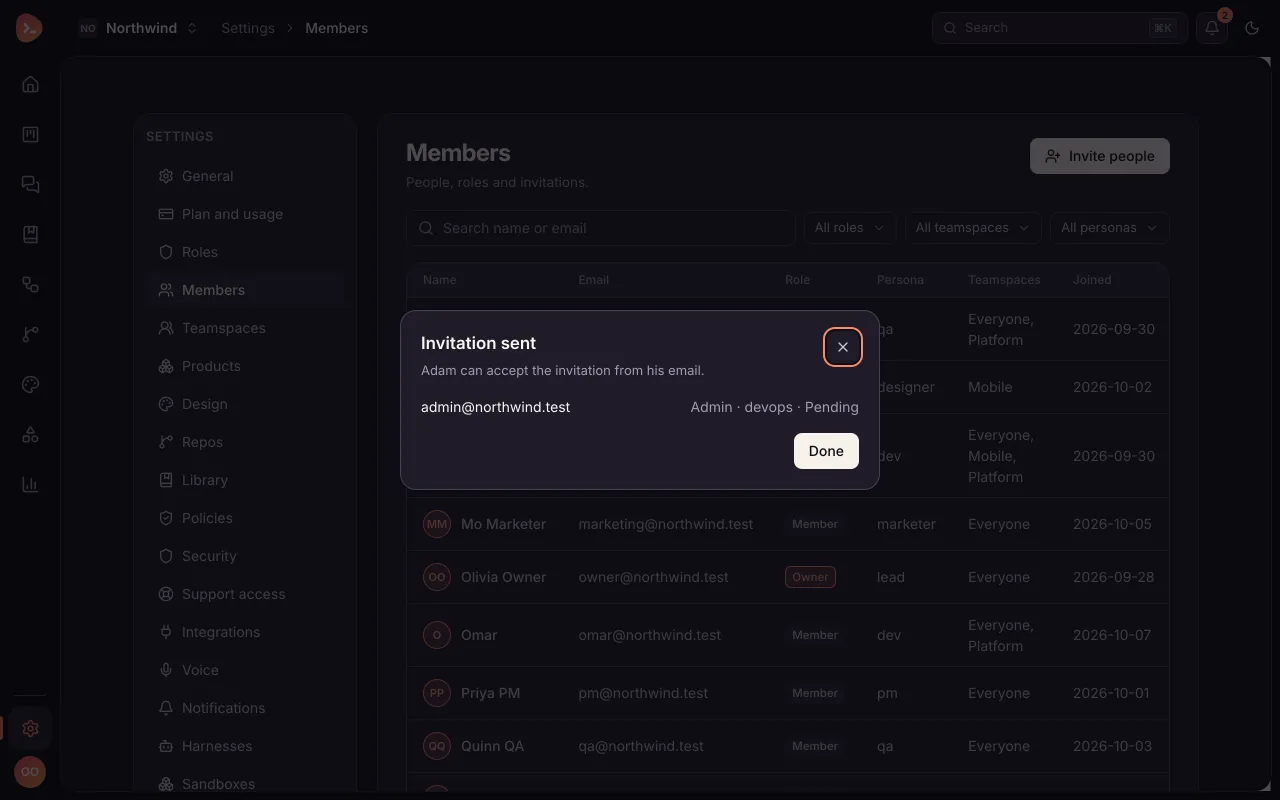
Adam receives and accepts his invitation; the next setup work belongs to him. 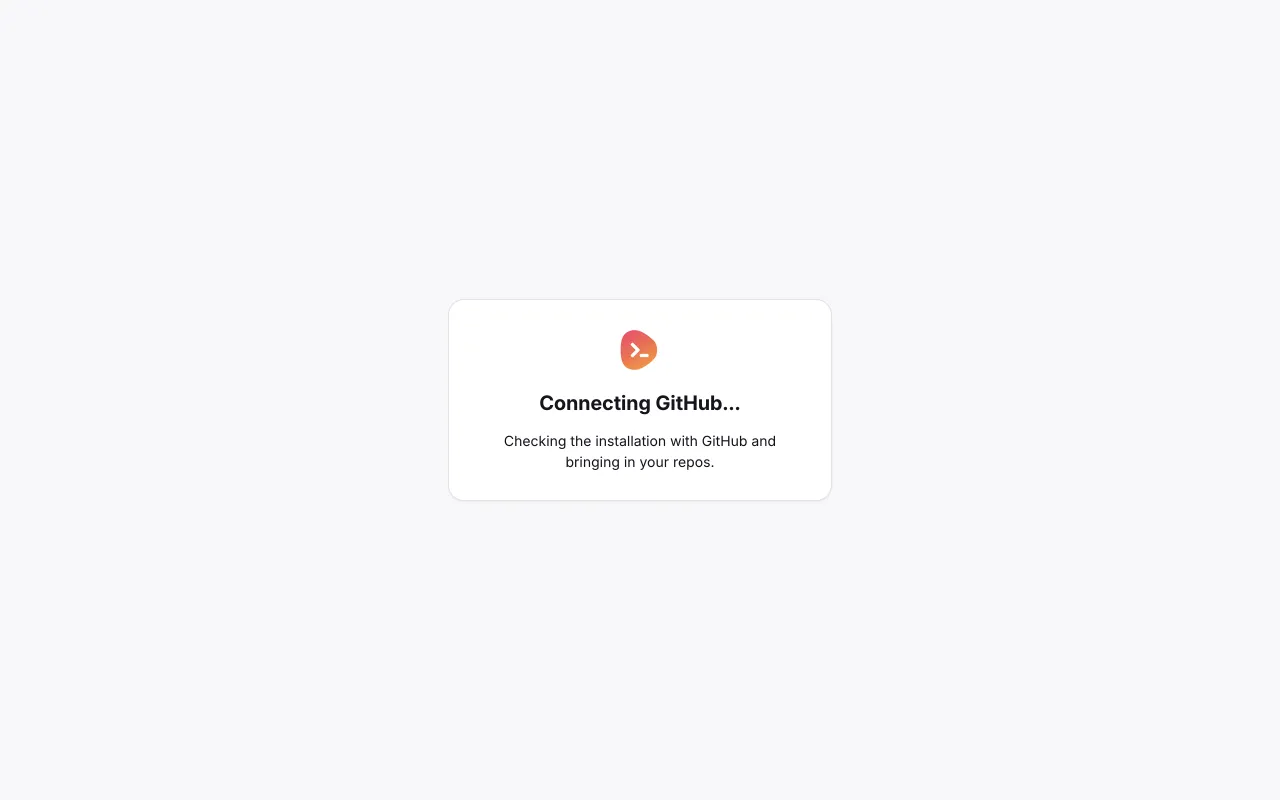
After GitHub installation finishes, Adam returns to the connected repos.
What you just saw
- The invitation asks you to sign in first. Accepting is a separate press, after you are signed in, so an invitation can't be used by whoever opens the email.
- Sign-in by email link. The link opens a page with a button, and nothing happens until you press it. A mail scanner that opens the link can't use it up.
- The org's Home has a setup checklist: install the GitHub App, create products, create teamspaces and invite people. Each item opens the page that does it.
- Invite people sends invitations by email with a role. Here Olivia invites Adam as an admin, and the setup work after that is his.
Next steps: Org, members and teamspaces covers roles, invite links and teamspaces, Quickstart for org admins gives the whole setup in order, and Onboard a team follows it to a working team.
Something wrong or missing? Suggest a change